DeepL is now available in Microsoft Copilot, ChatGPT and Claude via MCP
You can now DeepL directly inside Copilot, Claude or ChatGPT - and across other compatible AI agents, developer tools and workflows. Connect your DeepL account once, then translate text and entire documents, and apply your company’s glossary and style rules, all without leaving your AI assistant.
The DeepL MCP is hosted by DeepL and built on the Model Context Protocol (MCP), an open standard enabling AI assistants to connect directly to external tools.
Start connecting now
Translate without leaving your assistant
More work now happens inside AI assistants, from drafting and reviewing, to researching and coordinating across languages. Now, you can bring the translation quality and accuracy DeepL is known for directly into that flow, without switching tools or adding extra steps.
With the DeepL MCP, you can:
- Translate text: Translate individual messages or batches of text into one or many languages at once
- Translate documents: Translate files end to end, while preserving their formatting and layout, including tables, headers and images
- Apply your company’s unique language Use DeepL glossaries and style rules to keep company terminology and tone consistent
Bring your DeepL setup with you
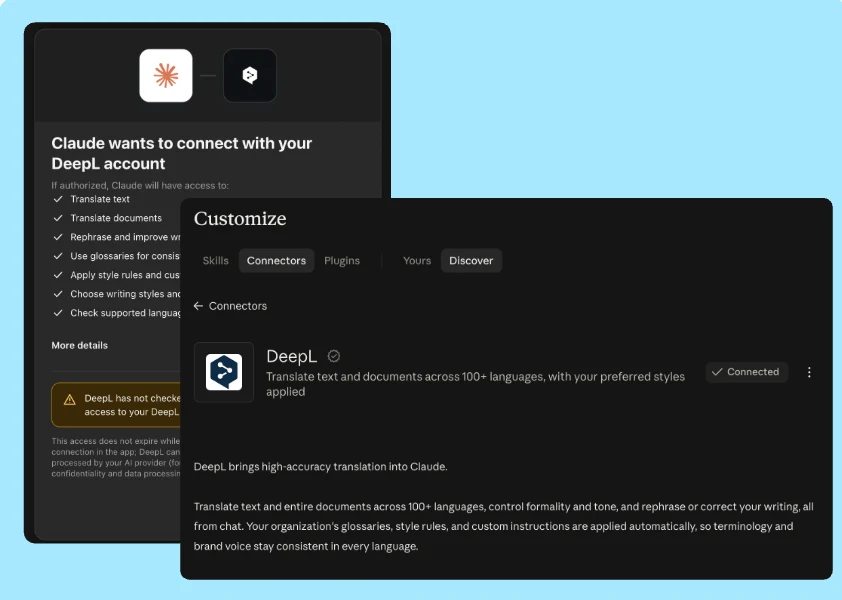
The DeepL MCP is hosted by DeepL, so there's nothing external to install or run. Connect DeepL to your assistant and sign in once to your DeepL account. From there, your assistant can securely send translation requests directly to DeepL. Administrators can enable or disable access for their organization at any time.
Teams can set DeepL as their assistant's default for translation, so consistency doesn't depend on remembering to ask each time. Requests are also processed under your existing DeepL agreement, and texts sent to DeepL are never used to train DeepL’s models.
Your existing terminology and style settings can come with you too, helping teams keep language consistent as more work moves into AI-powered tools.
DeepL, wherever work happens
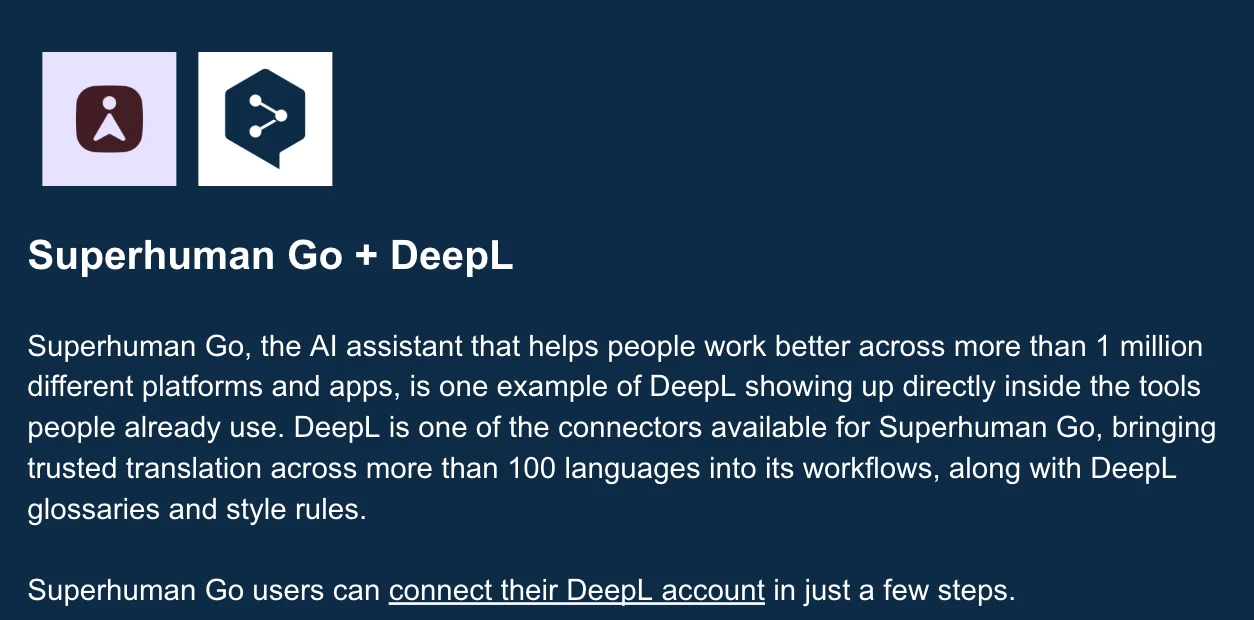
ChatGPT, Claude and Microsoft Copilot are some of the most familiar places to use the DeepL MCP, but they’re not the limit. The same connector works with any agent that supports remote MCP servers, while developers and enterprises can also bring DeepL into the products, tools and workflows they already use.
How to get started
- Microsoft Copilot: Install from the Microsoft Marketplace listing or Agent Store and follow these instructions.
- Claude: Search for DeepL in the connector directory or add it as a custom connector. Follow our setup guide.
- ChatGPT: Add DeepL as a custom connector and follow these instructions.
- Other compatible tools: If the AI tool or agent you use supports remote MCP servers, you can connect it to DeepL. See DeepL’s full MCP documentation.
Learn more about DeepL for AI agents, and watch this conversation between DeepL's Steven Syrek and Semrush's Marcus Tober to hear how MCP adds value to specialized workflows.