

Word file translation that's ready to read and send
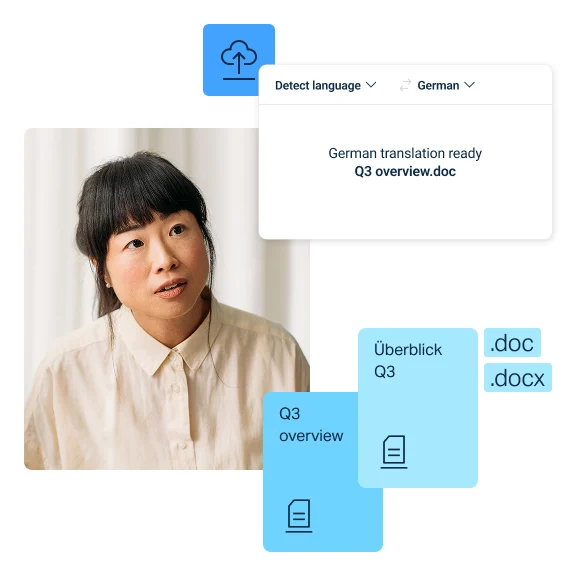
Translate Word files while preserving their original layout and formatting. Upload modern or legacy .doc files, choose your target language, and get a translation in minutes. And with DeepL Pro, you can translate in bulk in multiple languages at the same time.
Trusted by over 200,000 businesses globally






Why translate Word files with DeepL?
Meaning and nuance
DeepL's latest models preserve precise meaning and nuance, regardless of the length of your text. And the Customization Hub ensures your translations adhere to your house style and industry’s jargon.

Preserved formatting and layout
There’s no need to fix your Word document's formatting after translation: DeepL preserves your file’s original layout, so translated files are ready to use immediately.

Innate enterprise-grade security
DeepL complies with GDPR, ISO 27001, SOC 2 Type II, HIPAA, and BSI C5 Type 2. Your data is encrypted and, on Pro plans, documents are deleted after translation and never stored. See how DeepL protects your data.

Bulk translation into multiple languages at once
Translate at scale with bulk uploads, and produce translations in several target languages simultaneously. DeepL Translator is built for high-volume teams.
Explore DeepL's commitment to quality, with 90% faster translation cycles.

How does the DeepL Word translation tool work?
Word documents can be notoriously tricky to translate without manual cleanup. DeepL file translation makes the process smooth. Simply head to the web translator, and follow these steps:
- Create a free DeepL account or log in if you already have one
- Upload a Word file from your computer
- Choose your target language
- Start your translation
- Get your translated file
How DeepL Pro powers Word document translation
DeepL’s free version delivers accurate Word translations out of the box. DeepL Pro adds the features professionals and teams need to work at scale:
- Translate larger documents (up to 100MB)
- Translate files from OneDrive
- Translate multiple files and into multiple target languages at once
- Enable formal or informal tones
- Apply a glossary to tailor output
- Benefit from premium data security
Translate consistently across media formats
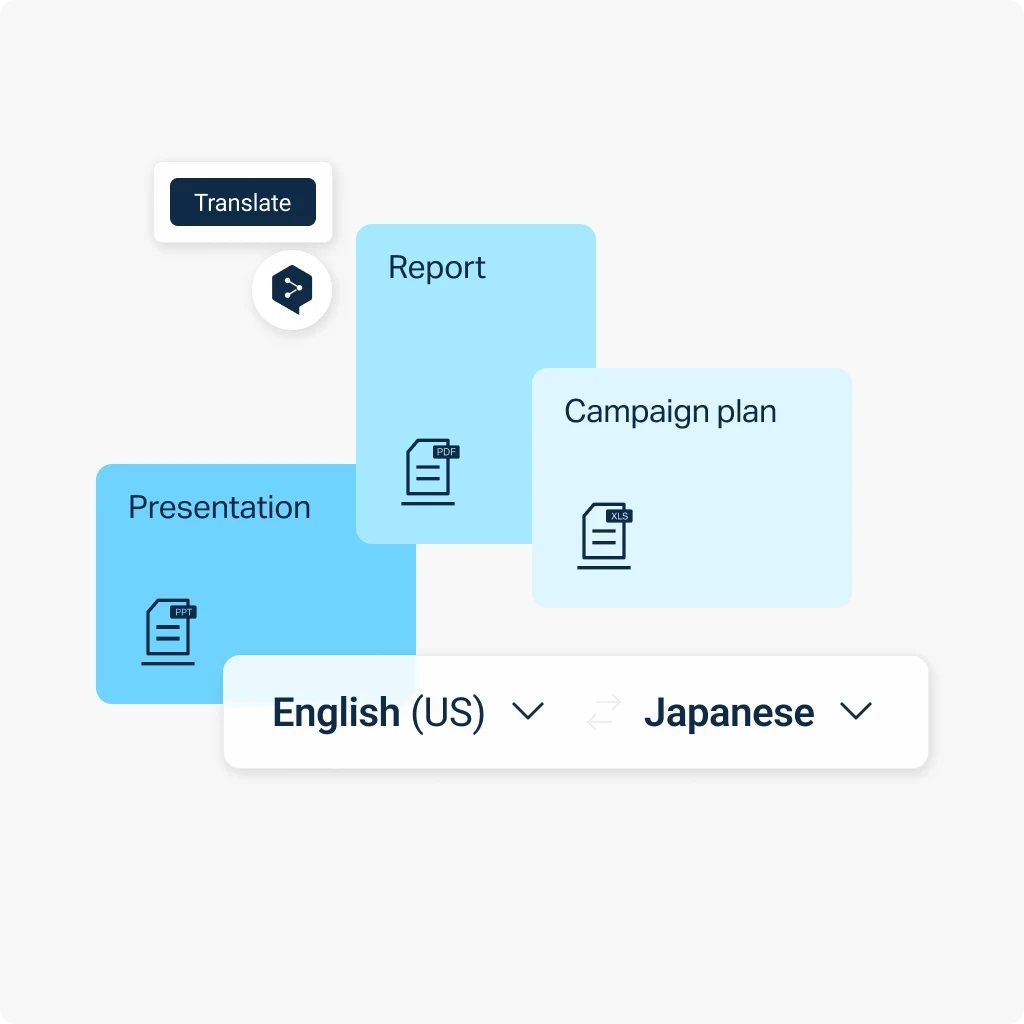
Need to translate PDFs, images, and other document types? DeepL’s Language AI adapts visual content to match, so your translations stay consistent and format-appropriate no matter which file you're working with.

200,000 companies around the world that trust DeepL for their translation demands.
Ready to translate Word files?
Start your free 30-day DeepL Pro trial and translate Word files, plus PDF, PowerPoint, Excel, and more.
Rolling out documentation across teams or departments? Talk to our Sales team about file translation tailored to your organization.
FAQ: Word document translation
Yes. DeepL translates both .doc and .docx files. The tool automatically converts legacy .doc uploads as an editable .docx file. You don’t need to manually convert anything before or after translation.
Yes. Every .pptx, .docx, .doc, .xlsx, and .pdf file is billed a minimum of 50,000 characters on API plans, regardless of length. Read DeepL’s API documentation.
Yes. Download the iOS app or the Android app to translate DOCs on the go. Both extract and translate the text from your file directly on your device.
Yes. Download the DeepL desktop app for Mac or Windows to translate Word documents straight on your computer.
Word file size and character limits by plan
Each DeepL plan has its own upload limits for Word translation. This table shows the max file size and character count allowed per file on each plan.
View limits per plan for all document translation file formats
Plan | Max file size | Max characters |
DeepL Account (Free) | 5 MB | 100,000 |
DeepL Pro Starter | 10 MB | 1,000,000 |
DeepL Pro Advanced | 20 MB | 1,000,000 |
DeepL Pro Ultimate | 100 MB | 1,000,000 |
DeepL Pro Individual | 30 MB | 1,000,000 |
DeepL Pro Team | 30 MB | 1,000,000 |
DeepL Pro Business | 100 MB | 1,000,000 |
DeepL API Free | 10 MB | 500,000 |
DeepL API Pro | 100 MB | 1,000,000 |
DeepL API Developer | 10 MB | 500,000 |
DeepL API Growth | 100 MB | 1,000,000 |