DeepL Voice now preserves your voice in real time across languages
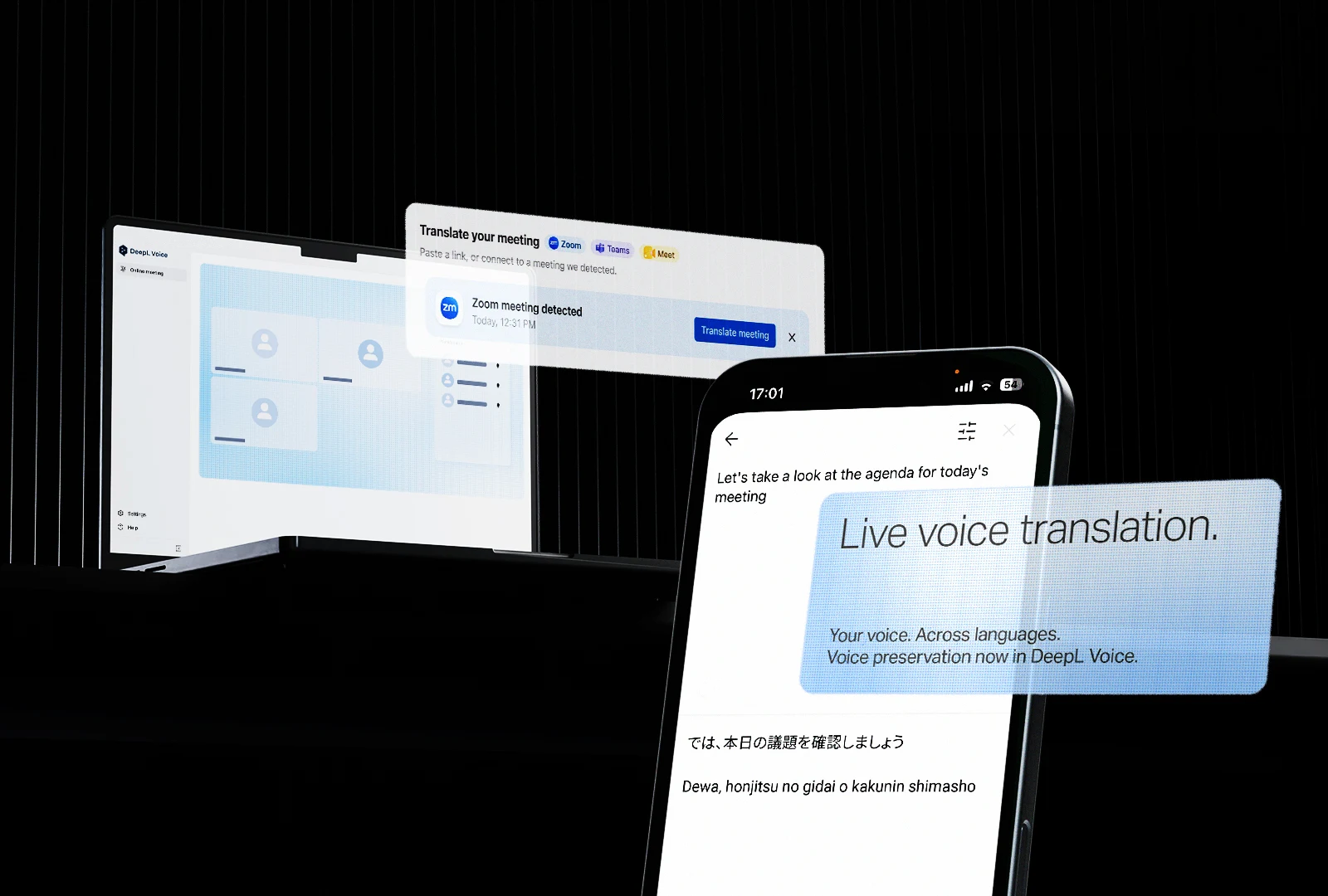
New Voice models preserve each speaker's unique voice with improved expressiveness during live multilingual conversations. Plus: a unified desktop app for Zoom, Teams and Meet, and voice to voice translation now generally available.
In a multilingual conversation, the words are only part of the story. Who is speaking and their tone, rhythm, pacing and intonation all shape how we understand what someone really means.
With DeepL Voice, we focused first on getting the words right. Independent testing by Slator found that DeepL Voice delivered a 4% translation error rate, compared with an average of 17% across Microsoft Teams, Google Meet and Zoom.
Now, we’re going beyond the words to preserve more of the speaker behind them.
Hear more of the person behind the words
Today we’re announcing our newest Voice models across all of DeepL Voice: online meetings, in-person conversations and the DeepL API for Voice.
The models preserve each speakers’ distinct voice and delivery as speech moves across languages. Instead of hearing the same synthetic voice for every translation, different speakers remain recognizable – even in conversations with multiple participants. Questions sound like questions. Excitement sounds like excitement. Hesitation, emphasis and urgency will carry through, too.
And all of this happens live, without storing voice samples or creating voice profiles to use later, so data remains secure.
Voice preservation is initially available across 12 languages, with more coming soon. Try it yourself here.
One app across your online meetings
We’ve also launched the DeepL Voice desktop app for Windows and Mac, creating one consistent Voice experience across Zoom, Microsoft Teams and Google Meet.
Businesses rarely communicate on just one meeting platform. Internal meetings might happen in Microsoft Teams, while customers use Zoom and partners send Google Meet links. The DeepL Voice desktop app works alongside all three, automatically detecting meetings when they happen and translating them in just one click. Users can choose how they want to follow the conversation, whether that's reading translated subtitles in a customizable overlay, listening to voice translation, or moving between the two. Because the app sits outside any individual meeting platform, new capabilities can roll out directly without waiting for platform-specific implementations.
Voice to voice translation for online meetings via the desktop app is also now generally available, joining in-person conversations and the DeepL API for Voice. Browser-based voice to voice translation for external participants remains in beta.
Getting the words right will always be fundamental to translation. But human communication has never been just about words. Now, we are preserving more of how those words are actually spoken, too.
Learn more about DeepL Voice and start your free trial today. Visit https://www.deepl.com/en/products/voice.